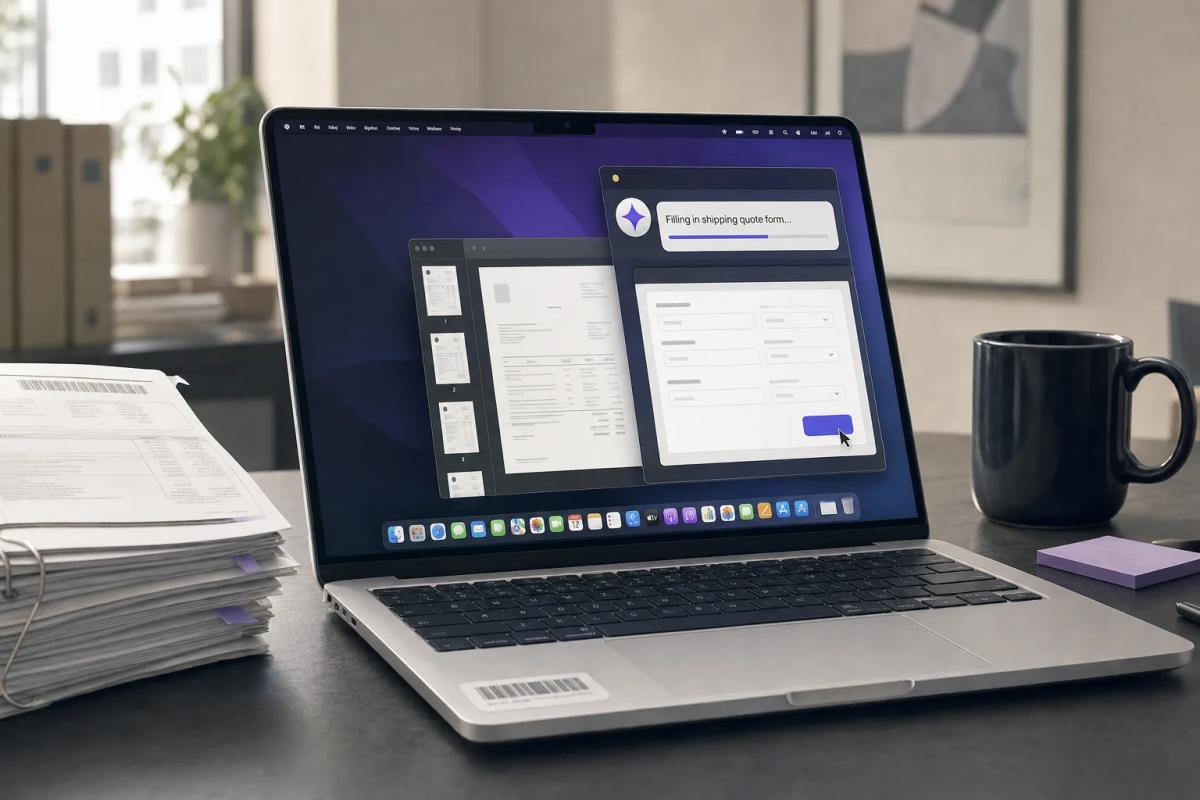
Google's new computer use agent for the Gemini Mac app works only on personal Google accounts, so none of your Workspace admin settings apply to it. An employee who pays $19.99 a month for a personal plan can let Gemini click through desktop apps and local files on a company Mac, under consumer data terms. Your controls for that are MDM and your network proxy, and you should set both before the feature reaches your users.
Google announced the feature on November 19, 2026. Per the footnote on that post, it is "available for personal Google accounts 18+" on Google AI Plus, Pro and Ultra, and it "requires an Apple Silicon Mac running macOS Sequoia 15.0+." It is rolling out in English in the U.S. first. The post does not mention Workspace, business accounts or admin controls.
What Gemini Computer Use on Mac Actually Does
Gemini computer use is an agent that operates Mac apps and websites for the user, clicking, typing, using menus and filling forms in a separate window while the user keeps working. Google's announcement says it "works inside an isolated background window with a live preview right in your chat," and that "your main screen and cursor remain completely free."
Google's examples are ordinary office work: pulling weights, dimensions and addresses out of local PDFs to build shipping quotes, and pulling metrics from live dashboards across regions into a Google Slides deck. Android Authority reports that users start it by typing "@Computer use" in a prompt, and that unlike the recently expanded Gemini Tasks, "computer use isn't available for free."
The user-side controls are what you would expect. Per Google, "you choose which apps Gemini can access, watch every step live, pause at any time, and approve key actions before they happen." Google does not define "key actions." TechCrunch says users "can pause, stop, and approve Gemini's actions before they happen," and calls Google "a little late to the game," since OpenAI, Anthropic and Meta already ship agentic features in their desktop apps.
The U.S. price Google shows on its Google AI plans page is $19.99 a month for the Pro bundle, checked November 21, 2026, during a Black Friday promotion. Plus and Ultra had no visible price. At $19.99 a month, an employee can get this without filing an expense report.
Why Your Workspace Admin Console Does Not Cover It
Your Workspace settings govern the Gemini Mac app only when someone signs in with a work account, and computer use is not offered on work accounts. The Gemini app for Mac itself has been available to Workspace business and education customers since April 15, 2026, and that post says it is "ON by default for all organizations with Gemini enabled." So the app may already be installed on your fleet, signed in with corporate identities.
The Workspace control is the Gemini app service status in the Admin console (Menu > Generative AI > Gemini app). The admin help page lists "Gemini on Mac" as part of the Gemini app, and notes that changes "can take up to 24 hours." That setting applies to your users' organizational accounts. It does not reach a personal Google account signed into the same app on the same laptop, and computer use, by Google's footnote, only runs on that personal account.
The data terms differ too. Google's Workspace Gemini FAQ says licensed users' submissions "aren't reviewed by human reviewers or otherwise used to train generative AI models." The consumer Gemini Apps Privacy Hub, last updated November 19, 2026, says the opposite for personal accounts:
- History is kept for 18 months by default, and with the setting on, "Google uses the content of your future chats to train generative AI models."
- "A subset of chats are reviewed by human reviewers," and reviewed chats are "retained for up to three years," even if the user deletes their history.
- With history off, chats "will still be saved for around 2 months." TechCrunch reported on November 17 that this is up from 72 hours.
The Privacy Hub does not say how Mac computer use screen captures are handled. Its nearest entry covers Android screen automation, where "screenshots are reviewed by trained reviewers and used to improve Google services if History is on." Until Google publishes terms for the Mac feature, assume the Android rule applies. In that case, whatever was on the employee's screen during a task could be stored, reviewed by people and used for training, and your DPA with Google does not cover it.
How Claude's Computer Use Handles the Same Problem
Anthropic ships its desktop computer use to businesses with admin settings that are off by default, so it is the useful comparison. Anthropic's setup guide for Team and Enterprise says the feature is "in beta on Team and Enterprise plans, and it's off by default," and "only an Owner or Primary Owner can change this setting."
Admins can block apps or allow only listed apps by macOS bundle ID, and on the allow list "users still approve each app." An MDM key, computerUseEnabled, set to false turns it off on a given machine. Screenshots are saved with the chat under the Commercial Terms and DPA. Anthropic is also clear about the risk: "Computer use has no sandbox between Claude and a user's applications." We covered the full admin checklist in Set Claude's App and Role Limits Before Enabling Computer Use.
Gemini on Mac has none of these yet. There is no org toggle, no app list an admin controls and no published policy key. The user picks the apps and approves the actions. That is a reasonable design for a consumer product, and Google may well ship a Workspace version later. Until it does, an employee who wants a desktop agent has an easier path through a personal Gemini plan than through your approved Claude Computer Use rollout. We saw the same pattern with personal Claude accounts and the ThisBash extension flaw in Personal Claude Accounts Expose Work Laptops to ThisBash.
The Controls You Already Have
You can control this with your existing tools, but each has a gap you need to test. Combine three layers.
The first layer is identity at the network edge. Google supports blocking consumer accounts through a proxy that adds an X-GoogApps-Allowed-Domains header to traffic headed for *.google.com. It requires SSL interception and devices that trust your proxy's root CA. Google says it "doesn't maintain a list of blocked services," and the page says nothing about native desktop apps. Test it against the Gemini Mac app before you rely on it, and remember it does nothing for a laptop on home Wi-Fi without your agent or tunnel.
The second is macOS privacy permissions, set through MDM. Apple's Privacy Preferences Policy Control payload can deny an app "access to capture (read) the contents of the system display," and its Accessibility setting governs which apps can "control the Mac via Accessibility APIs." The payload requires supervised devices. Google has not said which macOS permissions computer use asks for, so install the app on a test Mac, run a task and record what it requests. If it needs Screen Recording or Accessibility, a deny rule for the Gemini app's bundle ID will block computer use without removing the app.
The third is inventory. Find out where the Gemini app is installed before you decide anything. Your shadow AI inventory should already include OAuth grants and endpoint software. Add the Gemini Mac app by bundle ID, and record which machines also have a personal Google account signed in, if your tooling can see that.
Blocking the app outright has a cost if your company runs Workspace with Gemini. That app is the approved client for your work accounts, so you would lose the version covered by your DPA to stop the personal one. A permission deny on the specific capability, plus the proxy header, is the narrower fix.
What to Do Before It Spreads
Google's post says the rollout is U.S. and English only for now (at least one outlet, Unite.AI, reported a wider English rollout, so check your own regions), which may give you a few weeks to get this done. Do these in order.
This Week:
- Pull a count from your MDM of Macs with the Gemini app installed, and check whether the Gemini app service is on in your Workspace Admin console.
- Install the Gemini Mac app on a supervised test Mac with a personal AI Pro account, run one computer use task and write down every macOS permission prompt it raises.
- Send employees a short note: personal AI accounts may not operate company apps or files, and name the approved alternative if you have one.
This Month:
- Build a PPPC profile that denies the permissions you recorded to the Gemini bundle ID, test it on a pilot group of Macs, and confirm the Workspace-account Gemini chat still works.
- If you already inspect TLS, add the
X-GoogApps-Allowed-Domainsheader in a test policy and check whether the Gemini Mac app still accepts a personal sign-in. - Ask your Google account team, in writing, whether a Workspace version of computer use is planned, what admin controls it will have and how screen captures will be retained.
Before You Approve Any Desktop Agent:
- Require an org-level off switch, an admin-controlled app list, an MDM policy key and coverage under your commercial DPA. Claude's beta meets that bar today, and our seat comparison of Claude, ChatGPT and Gemini Enterprise covers retention for each.
The Bottom Line
Consumer AI features keep reaching work machines before their enterprise versions do. It happened with browser extensions, and the ChatGPT Chrome extension's work mode is a recent example. Desktop agents are riskier than extensions because they can act in any desktop app the user approves, including apps your browser controls never see. Google has shown it can ship admin controls for Gemini; it built a separate Workspace identity for its coworker agents. Until it does the same for computer use, treat Gemini on Mac as a personal tool that needs an explicit policy.
Run the permission test on one Mac this week, then write the PPPC profile from what you see.
Continue Reading
- Set Claude's App and Role Limits Before Enabling Computer Use
- Personal Claude Accounts Expose Work Laptops to ThisBash
- Your Shadow AI Inventory Needs OAuth Logs, Then Endpoint Coverage
- ChatGPT Extension Can Control Chrome Tabs on Salesforce, Gmail
- Pick Gemini Enterprise Standard for a Company-Wide AI Seat
- OpenAI's Hosted Browser Agent Asks Once Per Site, Not Per Purchase