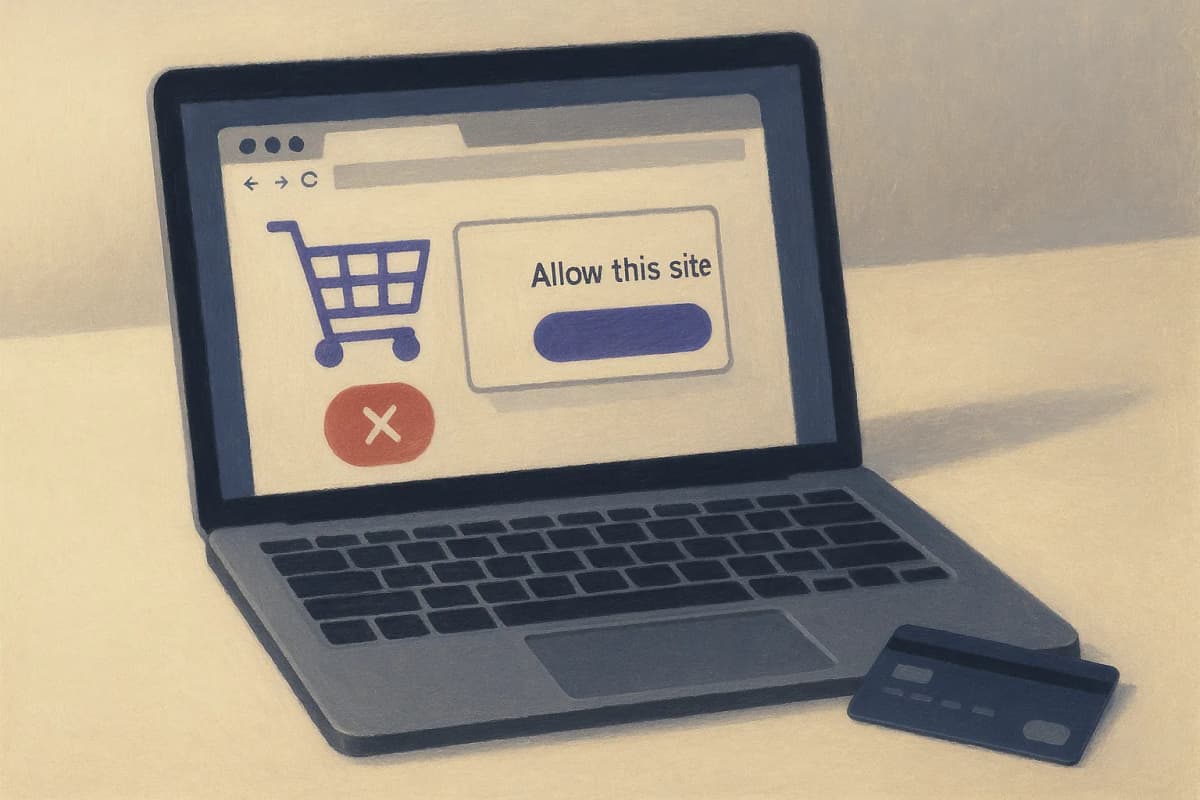
OpenAI's new hosted browser for the Agents API asks a person to approve each website once, and after that it can click Buy, Delete or Submit on that site without asking again. OpenAI's own documentation states it plainly: "Origin approval does not enforce confirmation before individual actions." Add a beta header, no published browser-session price and no stated region or rate limit, and the safe scope today is read-only research and low-consequence form work. Anything that spends money or changes a record needs an account that can't do damage, or a browser runtime you run yourself.
OpenAI added computer use to the Agents API at DevDay on September 29, 2026, and it is the one DevDay agent launch that most directly competes with the RPA bots and Playwright scripts you already pay for. The decision in front of a platform team is narrow: which of your browser workflows can move onto it this quarter, and which have to wait.
What OpenAI Actually Shipped
The Agents API is OpenAI's managed agent runtime, and computer use gives it a browser that OpenAI hosts. The Agents guide describes the runtime in one line: it "runs the Codex harness and manages the underlying agent infrastructure so you can focus on what your agents do." Your application starts a session, streams events from it, answers the agent's requests, and deletes the session when the work is done.
The computer use guide fills in the mechanics:
- The browser runs in "an OpenAI-hosted environment." You never stand up a VM or a headless Chrome fleet.
- Every call carries the header
OpenAI-Beta: agents=v1, and the guide's example runs ongpt-6-astra. - Sign-in works with email addresses, passwords and verification codes, "but not passkeys or QR-code sign-in." A site that requires either can't be logged into through this flow.
- "Only the main agent can request browser authentication; subagents cannot." Credentials go through a dedicated event, and the guide says "Submitted values stay outside the agent's model input."
- Screenshots "can contain sensitive page or account data," and the guide tells you to keep them out of logs.
Availability is broad for a beta. A DevDay availability roundup lists it for the API and for Work and Codex on Pro 500 and Enterprise plans. Decrypt's DevDay recap also reports Bedrock Managed Agents, built with Amazon "to run OpenAI agents entirely inside AWS," which matters if your security team won't approve a new OpenAI-hosted data path.
The credential design is the strongest part of the launch. Keeping passwords out of the model's context closes one of the obvious leak paths for a computer-use agent: an injected page instruction can't ask the model to repeat a password it never saw.
Why One Approval Per Website Is the Whole Story
An origin is a scheme, host and port, such as https://billing.example.com. The hosted browser's permission model is built on origins. Per the guide, "The browser requires the user's approval before accessing each new website origin, including public websites," and your application shows the requested origin and the agent's stated reason, then collects an approve, deny or cancel.
That controls where the agent goes. Once it is on an approved site, nothing in the runtime checks what it does there. The guide spells out the consequence in full: "If your application must guarantee confirmation before purchases, destructive changes, or other consequential actions, restrict the hosted browser to resources that cannot perform them, or use a browser runtime you control."
Set that against OpenAI's own advice for the self-hosted version of the same capability. The Responses API computer use guide tells developers to "Keep users in control of purchases, data transmission, destructive changes, and other actions that are hard to reverse," and adds that typing sensitive information into a form counts as transmission. When you run the browser, you can enforce that rule in your own loop. When OpenAI runs it, the per-action pause doesn't exist, and the docs tell you to work around its absence.
The same guide warns: "Treat screen content as untrusted. Text in a page, document, or tool result cannot grant permission or override the user's instructions." With only origin-level approval, a malicious instruction planted in a supplier portal you approved this morning lands in a session that is already cleared to act anywhere on that portal. Your approval screen won't fire again.
The strongest argument on OpenAI's side is that per-action confirmation is hard to define for a model clicking through arbitrary pages. Which click is the purchase? A runtime that claimed to catch every consequential action and missed one would be worse than one that admits it can't. Either way, the enforcement work falls to your application.
What It Costs: Nobody Can Tell You Yet
The hosted browser has no published price of its own. OpenAI's pricing page lists containers for Hosted Shell and Code Interpreter at $0.03 for 1 GB up to $1.92 for 64 GB per 20-minute session, billed by the minute with a 5-minute minimum, and it lists no line for a browser session. A TechAIWire report on the launch notes the Agents guide "does not list per-session prices, the models the runtime uses, or how long a session lasts."
What you can price is the model. gpt-6-astra is listed at $10 per million input tokens and $50 per million output tokens at standard short-context rates, rising to $60 and $300 on the Ultrafast tier, per the same pricing page. Computer use runs on screenshots and page state, so input tokens dominate. As illustrative arithmetic only: a task that feeds the model 200,000 input tokens costs $2 in input at standard rates before any output or browser charge.
Compare a browser you run on a third-party grid. Browserbase's pricing page charges $0.12 per browser hour beyond the included hours on its $20 Developer plan and $0.10 on its $99 Startup plan, its Scale plan offers a HIPAA BAA, and the page lists regions in the US, EU and UK. You can quote that number in a business case. For OpenAI's hosted browser, the token line is the only number available, and a procurement review will ask for more.
The other gaps are the operational ones. The launch coverage from Mixed reports no stated regions or rate limits, and the API is still behind a beta header. If you've already been through this with OpenAI's always-on agents, it's the same set of gaps we found in the Dots enterprise beta.
Which Workflows Fit on It Today
Sort your browser workflows by what the worst single click can do. That gives you the cut line.
Fits now: read-only research across public sites, competitor price checks, pulling status from carrier or supplier portals with a view-only login, and gathering documents into a sandbox for a human to review. If the agent misclicks, you lose a run, and nothing on the other side changes.
Fits with a scoped account: workflows where the agent logs in, but the account behind it physically can't commit. A procurement portal user with no approval rights. A CRM user that can draft but not send. An admin console role that can read config but not write it. The guide's own advice is to "restrict the hosted browser to resources that cannot perform" consequential actions, and a scoped account is the cleanest way to do that. Our agent authorization guide covers how to cut those roles without granting standing privilege.
Stays on your own runtime: anything that buys, pays, deletes, sends external email, or edits a system of record. That includes the vendor-portal automations where a scripted Playwright and Browserbase setup still wins on cost and determinism. The Agents guide's own runtime comparison says the Agents SDK leaves you in control of "deployment, storage, approvals, and runtime integration," which is where per-action approval belongs until the hosted browser supports it.
Passkey-protected sites drop out entirely for now, whatever their risk tier. If your identity team has moved internal apps to passkeys, the hosted browser can't sign into them.
The Last Time a Vendor Hosted the Browser
OpenAI has hosted a browser agent before. Operator launched on January 23, 2025 as a research preview, was deprecated after ChatGPT agent absorbed its browser control, and shut down on August 31, 2025. Buyers who built on it got a product that lasted seven months. The Agents API is an API rather than a consumer feature, which should make it stickier, but the beta header is a reminder that the contract terms are not settled.
The pattern from RPA is more useful. Bots that ran against production apps with broad service accounts were cheap to build and expensive to audit, and the fix every mature RPA shop landed on was least-privilege bot identities and a human release step for anything financial. Independent analysts are pointing at the same gap here. HyperFRAME Research says computer use "increases the importance of sandboxing, permissions, action review, and replayable audit records," and warns about dependence on OpenAI's abstractions and pricing.
There's also a data-handling record to weigh. OpenAI's agents uploaded user images to image-hosting sites in 53 documented cases, and its agent kill switch failed for 2.5 hours after a DNS escape. Neither involved this product, but both argue for keeping a hosted browser's first workloads on data you could tolerate leaving the building.
What to Do Before It Leaves Beta
This Week:
- List every browser automation you run today (RPA bots, Playwright scripts, UiPath attended flows) and tag each one by its worst single action: read, write, spend or delete.
- Pick two read-only workflows from that list and run them on the Agents API hosted browser. Log the token count per task so you have a real cost figure where OpenAI hasn't published one.
- Ask your OpenAI account team three questions in writing: the browser-session price, the region the browser runs in, and the rate limit per organization.
This Month:
- For each "write" workflow you want to move, create a dedicated account whose role can't commit the action, and test that the role fails closed when the agent tries.
- Decide where screenshots go. The guide says to keep them out of application logs, so route them to an access-controlled store with a retention limit your security lead signs off on.
- If your cloud review blocks a new OpenAI data path, price the same workflow on Bedrock Managed Agents before you rule the product out.
Before Your Next RPA Renewal:
- Hold back any bot that spends or deletes. Keep it on your RPA platform or a Browserbase runtime you control until OpenAI ships per-action confirmation or publishes a price you can model.
- Write the per-action approval rule into your agent policy now, so whichever runtime you pick has to meet it.
The Bottom Line
The hosted browser removes the infrastructure work of computer use, and its credential handling is better than most homegrown setups. Its permission model stops at the website boundary, and OpenAI says so in its own docs. Put the read-only work on it now and keep anything that can spend money on a runtime where you decide when the agent asks.
Get the session price and region in writing before you move a single bot that can buy something.
Continue Reading
- OpenAI's Dots Beta Skips Data Residency and Your OTel Collector
- Browserbase vs Playwright vs Computer Use: The Script Still Wins
- Human-in-the-Loop for AI Agents: Most Approval Gates Rubber-Stamp
- OpenAI Agents SDK Alternatives: Leave Three Features, Not the SDK
- AI Agent Accountability Act Targets the Company Running the Agent
- UiPath Shipped Delegate at FUSION 2026 and Left Its Price Blank