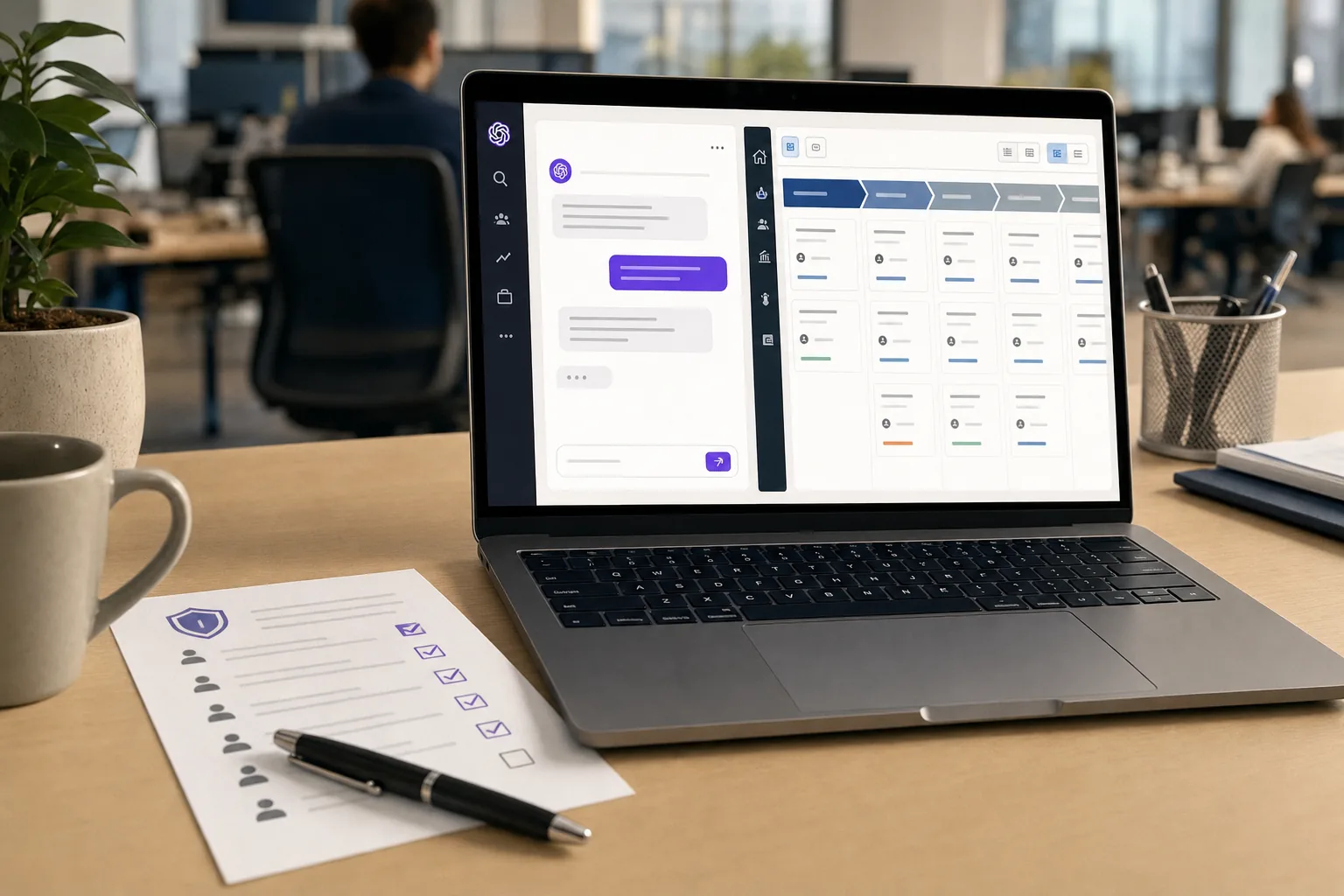
ChatGPT for Sales lets a rep update Salesforce or HubSpot from a chat window, and only the rep's own CRM permissions stand between a careless prompt and your pipeline data. OpenAI's confirmation prompts ask before an action runs. They do not narrow what the connected account can reach. So the decision that matters this month belongs to RevOps and the owner of your ChatGPT workspace, and it has to be made before the first rep clicks Connect: which roles get which plugins, which write actions stay on, and whether this sits beside Agentforce Sales or Microsoft's Salesforce agents or replaces one of them.
OpenAI announced ChatGPT for Sales on November 17, 2026: a first-party Sales plugin with 18 skills, plus "more than 30 new or enhanced" partner plugins, for ChatGPT Business and Enterprise workspaces, enabled by admins in the Admin Console. There is no separate price; the sales page offers "Contact sales" only. OpenAI's own announcement page refused automated fetches when this was written, so the detail below comes from trade write-ups that quote it and from the CRM vendors' own documentation.
What ChatGPT for Sales Actually Ships
ChatGPT for Sales is a bundle of plugins inside existing Business and Enterprise seats: a Sales plugin built by OpenAI plus partner plugins that connect ChatGPT to the systems reps already use. A plugin, in OpenAI's current packaging, is a set of skills (prompted workflows) that call one or more connected apps on the user's behalf.
According to Data Studios' breakdown of OpenAI's plugin pages, the Sales plugin is listed with "interactive, read and write capabilities." Eight of its 18 skills are named, including Analyze Account Signals, Build Business Case, Build Competitive Brief, Enrich Company and Contact Data, Find Customer Quotes and Follow Up After Call. It draws on Slack, Microsoft Teams, Zoom, Granola, Fireflies, Otter.ai, Salesforce and HubSpot, among others.
The partner list covers almost every stage of a deal:
| Stage | Partner plugins named |
|---|---|
| Prospecting | Apollo, Clay, Common Room |
| Outreach | Outreach, Salesloft |
| Call capture | Gong, Otter.ai, Granola, OpenAI Meetings |
| Content and decks | Confluence, Guru, Seismic, Gamma, Figma, Canva |
| Quotes and contracts | Docusign, Ironclad, PandaDoc, ServiceNow CPQ |
| CRM | Salesforce, HubSpot, Close, monday CRM |
Dataconomy's report describes the target work as "account planning and competitive analysis" drawn from customer data in existing systems, and The Neuron's November 18 digest puts the write side plainly: reps can "update CRM records through connected business applications."
The one customer named is the Michael J. Fox Foundation, whose technology head says the Salesforce plugin helps it "uncover deeper insights about donor prospects and research partners," per the same Data Studios write-up. That is a testimonial. As one newsletter reviewing the launch noted, OpenAI's testimonials come "without a controlled estimate of revenue or labor savings." If you're building a business case, you will be supplying the numbers yourself.
If you already run ChatGPT Enterprise, this is the same pattern as last week's ChatGPT for Accounting launch, applied to the CRM instead of the general ledger.
Confirmation Prompts Leave CRM Permissions Unchanged
The confirmation prompt is a speed bump for the user, and OpenAI says so: its admin documentation, as summarised by Data Studios, states that confirmation prompts "do not replace restrictions on what the connected account can reach," and recommends checking what each write action can change before you enable it.
Every write a rep makes through ChatGPT runs as that rep in the CRM. The plugin "cannot reach content beyond the permissions of its app connection," and installing it "does not bypass the provider's own permissions." That cuts both ways. It means ChatGPT can't escalate a rep's access. It also means ChatGPT can do anything the rep's profile can do, at the speed of a prompt, including edits the rep would never have bothered to click through by hand.
HubSpot's documentation shows where that bites. Its knowledge base article on the ChatGPT connector, updated November 12, 2026, says:
- The connector can read, create and update contacts, leads, companies, deals, tickets, custom objects and engagements. It cannot delete.
- "Custom validation rules (including pipeline stage validations and association label validations) aren't applied" to records changed through the connector.
- Bulk changes are capped at 10 records at a time.
- With the write setting on "Always allow," "edits may occur without asking for approval." HubSpot recommends setting Write tools to "Needs Approval."
- Actions are logged in HubSpot's Audit Log against both the user and the ChatGPT connector.
The validation line is the one RevOps should worry about. If your team relies on pipeline stage validation to stop a deal jumping from Discovery to Closed Won without a signed order form, that rule does not fire when the change comes in through ChatGPT. HubSpot added the connector's write actions in a February 26 changelog, so this is not new behaviour. The Sales plugin puts it in front of every rep at once.
The strongest argument for leaving writes on is that reps already have this access in the CRM UI, and the audit log will show who changed what. That holds for a single careful edit. It is weaker for a prompt like "mark everything I discussed this week as next stage," where the rep approves a summary rather than ten individual field changes.
How the Admin Controls Actually Work
ChatGPT's controls decide who can install a plugin and which of its actions are enabled; the CRM decides what each action can touch. You need both set before launch.
On the ChatGPT side, Data Studios' summary of OpenAI's admin docs lists four states on the Admin Console's Plugins page: "Available for installation," "Installed for workspace," "Customize by role" and "Disable." Each plugin exposes settings for its tools or actions, for new actions the vendor adds later, and for when ChatGPT asks before using the app. Enterprise owners can set this by role and group. Role settings are additive, and "a role set to Off grants nothing." Admins can bulk edit up to 25 plugins.
Two settings deserve the most attention. The first is "New tools or New actions." If it is left open, a write action the partner ships next quarter turns on without anyone reviewing it. The second is "Installed for workspace," which pushes a plugin to everyone instead of letting a role opt in.
On the CRM side, HubSpot requires a Super Admin to approve the connector for all other users, and during approval the Super Admin selects "which data permissions the connector can access and who in the account can install it," per HubSpot's knowledge base. Super Admins and users with App Marketplace Access can connect without that approval, which is worth checking against how many people hold those permissions in your portal.
Salesforce is less documented. Its plugin in ChatGPT bundles the Agentforce Sales app and six skills, with writes routed through a dedicated salesforce-writeback skill, and the listing says only that "some connections require admin setup or approval," per Data Studios. Salesforce's earlier announcement of the Agentforce Sales app in ChatGPT said ChatGPT "only accesses information the user already has access to" and described actions such as "Update the opportunity to Closed Won." It did not describe an admin approval gate or a write log. Ask your Salesforce account team for both in writing.
Does This Overlap With Agentforce Sales or Copilot?
Probably, and the overlap is partly a licensing question you can answer this week. When Salesforce opened the Agentforce Sales app in ChatGPT as an open beta, it made it "available starting today for both Agentforce for Sales Add-on and Agentforce 1 Edition customers," per Salesforce's announcement. Salesforce's pricing page lists the Agentforce for Sales add-on "from $125 USD/user/month," and its Max tier at $550 per user per month includes Agentforce for Sales. None of the sources reviewed for this article confirm whether the November Salesforce plugin carries the same entitlement requirement. If it does, the Salesforce side of ChatGPT for Sales is a front end to Agentforce licences you already pay for.
So the practical decision is which chat surface your reps use to reach the CRM. Microsoft is competing for the same spot: Copilotforce puts Salesforce read and update actions inside Microsoft Copilot. A company with ChatGPT Enterprise, Microsoft 365 Copilot and Agentforce licences could end up with three AI surfaces writing to the same opportunity table, each with its own approval settings and audit trail.
Pick one surface per role and switch the CRM plugin off in the others. Reps living in Outlook and Teams have a case for Copilot. Teams that already moved research and drafting into ChatGPT have a case for the Sales plugin. Keeping the Agentforce cost model in view helps here, because consumption billing on one surface and a flat seat on another makes "use whichever" an expensive default.
The Last Time Sales Tools Got Broad CRM Tokens
Sales integrations have already shown what a broadly scoped CRM connection costs when it leaks. Between "as early as Aug. 8, 2025 through at least Aug. 18, 2025," a group Google tracks as UNC6395 used "compromised OAuth tokens associated with the Salesloft Drift third-party application" to export data from Salesforce instances, according to Google Threat Intelligence Group. The attackers then searched the stolen records for AWS keys, passwords and Snowflake tokens that people had pasted into CRM fields.
Google's remediation list reads like a ChatGPT for Sales launch checklist: limit Connected App scopes and avoid full access, enforce IP restrictions, and grant "API Enabled" through a permission set instead of the profile. Salesloft is on the new partner list. There is no sign the ChatGPT plugins share Drift's flaw, but every plugin a rep connects adds a standing token into the CRM, and keeping the inventory of those tokens is your job. The shadow AI discovery playbook covers where to find the ones nobody registered.
What to Do Before Reps Connect
The work is a short permissions review, done jointly by RevOps, the CRM admin and the ChatGPT workspace owner.
This Week:
- Open the Admin Console Plugins page and set Sales, Salesforce, HubSpot and every sales partner plugin to "Customize by role." Leave none at "Installed for workspace."
- Set "New tools or New actions" to require review on every CRM and contract plugin (Salesforce, HubSpot, Close, monday CRM, Docusign, Ironclad, PandaDoc).
- In HubSpot, set the connector's Write tools to "Needs Approval," then list who holds Super Admin or App Marketplace Access and trim it.
- Ask your Salesforce account team in writing whether the ChatGPT plugin requires the Agentforce for Sales add-on, and which audit events a salesforce-writeback action generates.
This Month:
- List every validation rule and stage gate your pipeline depends on. For HubSpot, assume none of them apply to ChatGPT writes and decide whether that is acceptable.
- Pilot writes with one team, read-only for everyone else, and compare a week of CRM audit logs against what reps say they changed.
- Pick one AI surface per sales role for CRM writes and disable the CRM plugin on the others.
Before Your Next CRM Renewal:
- Count active AI connections into the CRM (ChatGPT, Copilot, Agentforce, call recorders) and the API calls each makes against your limits.
- Search CRM text fields for pasted credentials, as Google's Drift guidance recommends, before more tools can read them.
The Bottom Line
CRM vendors have spent a decade adding integrations that act as the user, from call recorders to chat widgets, and the Drift breach showed what one over-scoped token can expose. ChatGPT for Sales leaves who can see what in Salesforce or HubSpot exactly where it was. What moves is speed: a rep can act on that access in one sentence and look at fewer screens on the way. The controls that slow this down sit in two places, ChatGPT's Admin Console and the CRM's own approval settings, and HubSpot already lets Super Admins and App Marketplace users connect without approval.
Set the HubSpot connector to Needs Approval and every sales plugin to Customize by role before you announce the rollout.
Continue Reading
- Copilotforce Lets Microsoft Copilot Read and Update Salesforce
- ChatGPT for Accounting Writes to QuickBooks and Campfire
- Your Agentforce Bill Depends on How Many Actions an Agent Takes
- Gong Alternatives Favor Fathom for Reps Who Need Call Notes
- Your Shadow AI Inventory Needs OAuth Logs, Then Endpoint Coverage
- Pick Gemini Enterprise Standard for a Company-Wide AI Seat